Image to Anime Online
Turn portraits, selfies, pets, and everyday photos into distinctive anime artwork with a fast, style-first workflow.
Before & After
See your photo in a new anime world
Compare the original photo with an anime-style interpretation while keeping the subject recognizable.
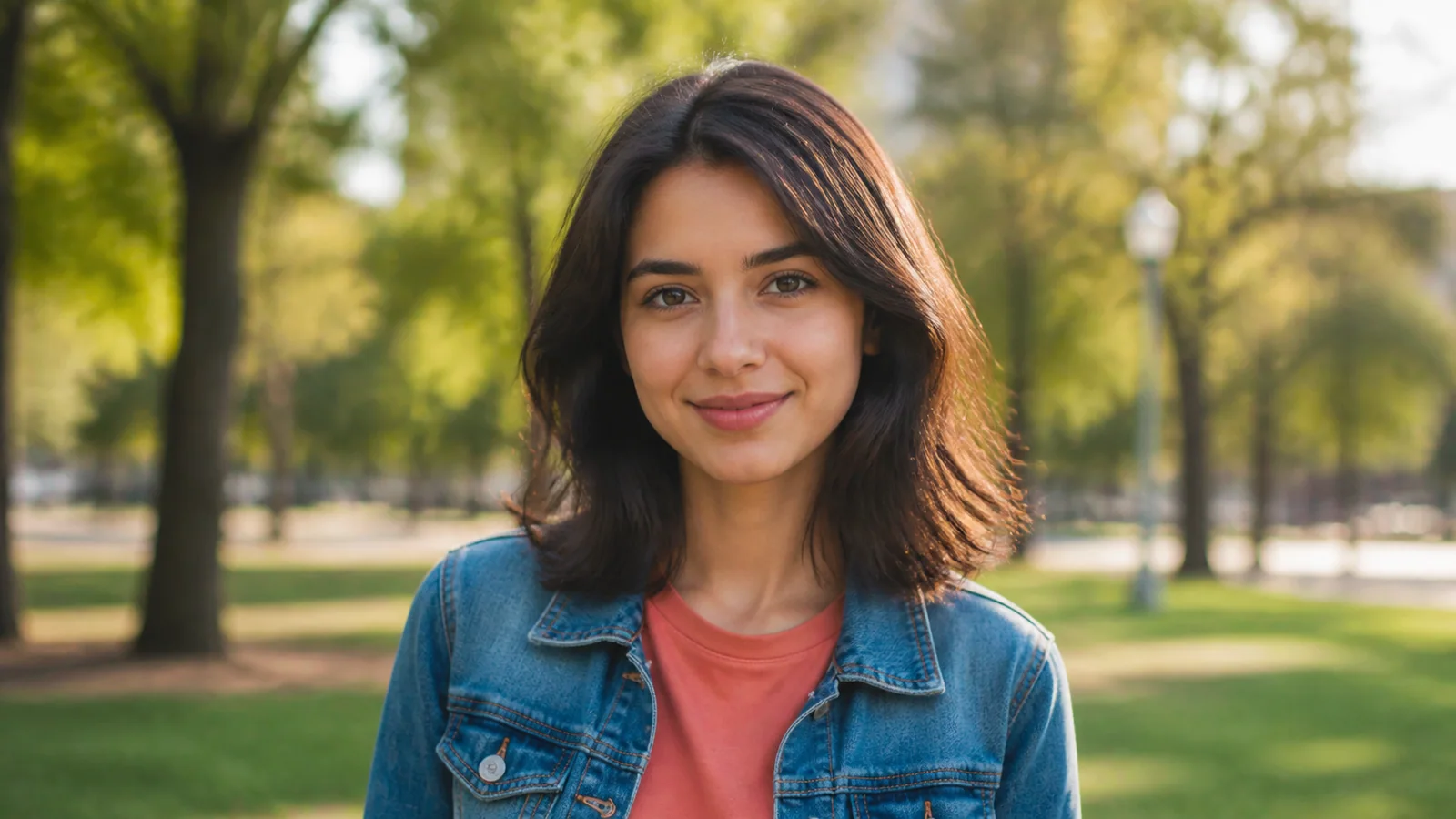 Before
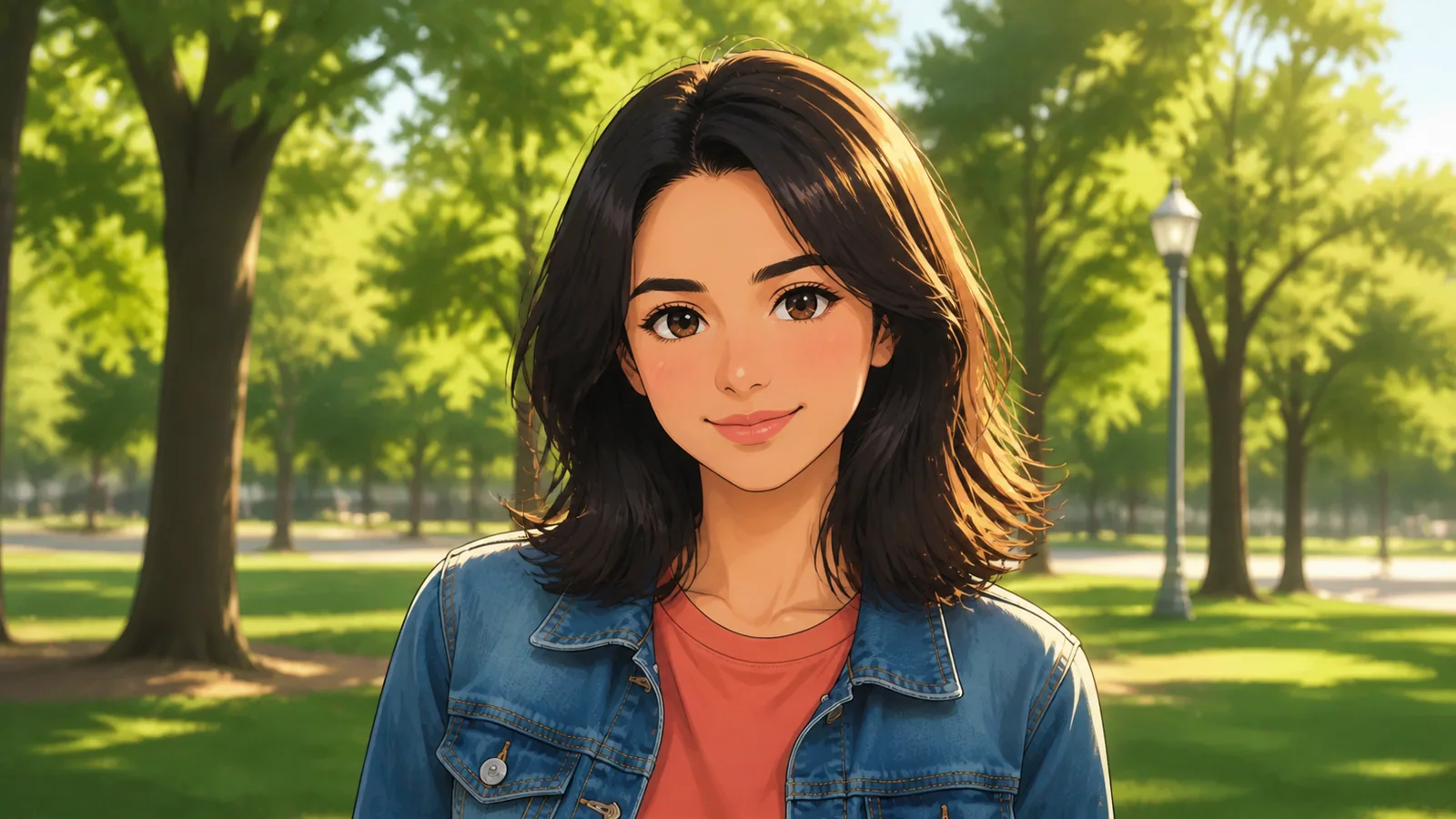 After
AfterHow to turn an image into anime
Create an anime-style version of your photo in three focused steps.
Upload your image
Choose a clear JPG, PNG, or WebP portrait, selfie, pet photo, or landscape.
Choose an anime style
Pick a visual direction, then add an optional note for lighting, mood, or scene details.
Review and download
Preview the transformation, try another style, and save the version you like.
Create anime art that still feels like your photo
A focused image-to-anime workflow built around recognizable subjects, expressive styles, and easy iteration.
Keep key features recognizable
Transform the overall visual language while retaining the subject, pose, expression, and important details.
Explore six anime directions
Move from classic cel shading to manga ink, soft illustration, 3D, cyberpunk, or shonen energy.
Start from everyday photos
Use portraits, selfies, pet photos, group shots, travel scenes, and landscapes as source images.
Guide the mood with words
Add an optional instruction for lighting, atmosphere, color, or background without learning prompt engineering.
Compare before and after
Review the source and anime interpretation together before choosing the result you want to keep.
Stay in a focused workflow
Upload, choose a style, and convert without navigating a full design suite or drawing manually.
Turn the photos you already love into anime
Create recognizable anime artwork for profiles, personal projects, gifts, and visual storytelling.
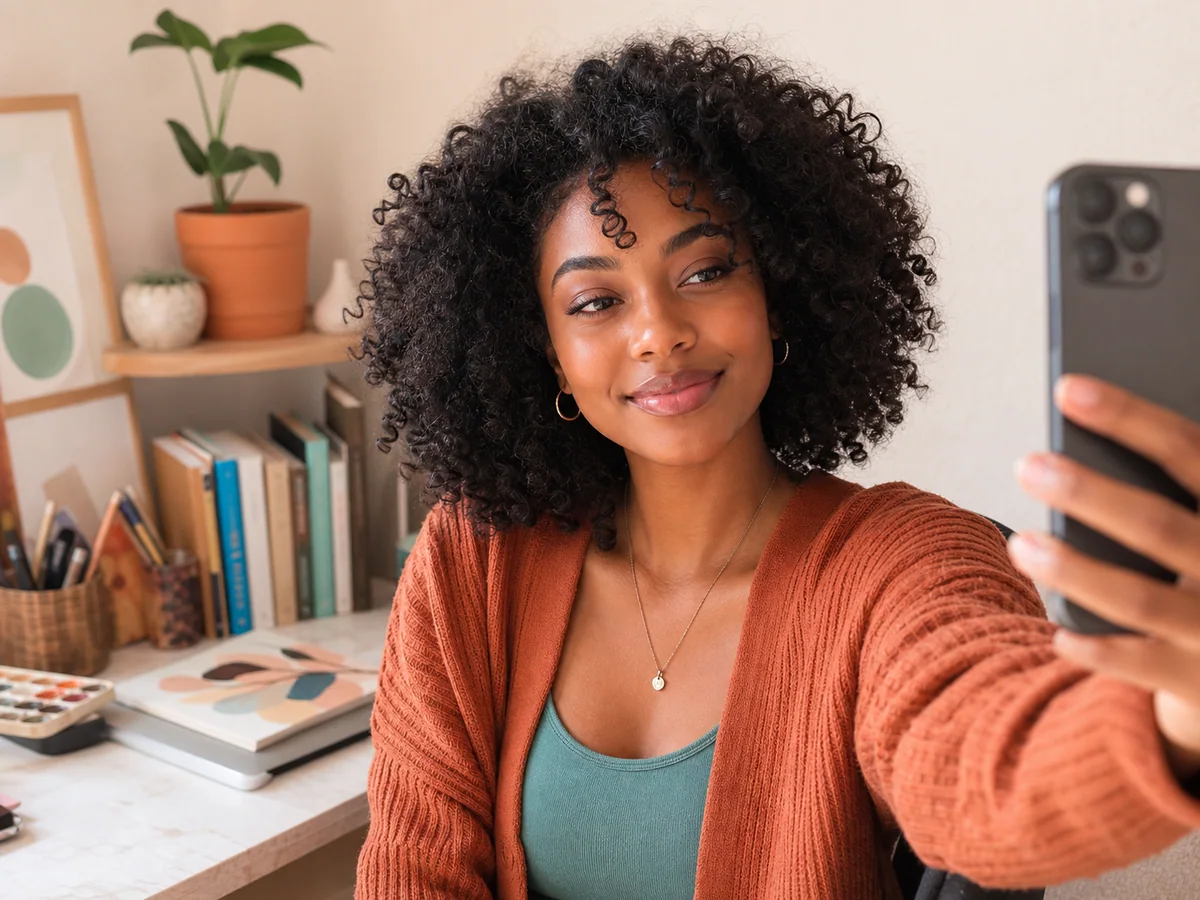
Anime avatars and profile pictures
Turn a clear selfie or portrait into a distinctive avatar for Discord, Twitch, TikTok, or Instagram.
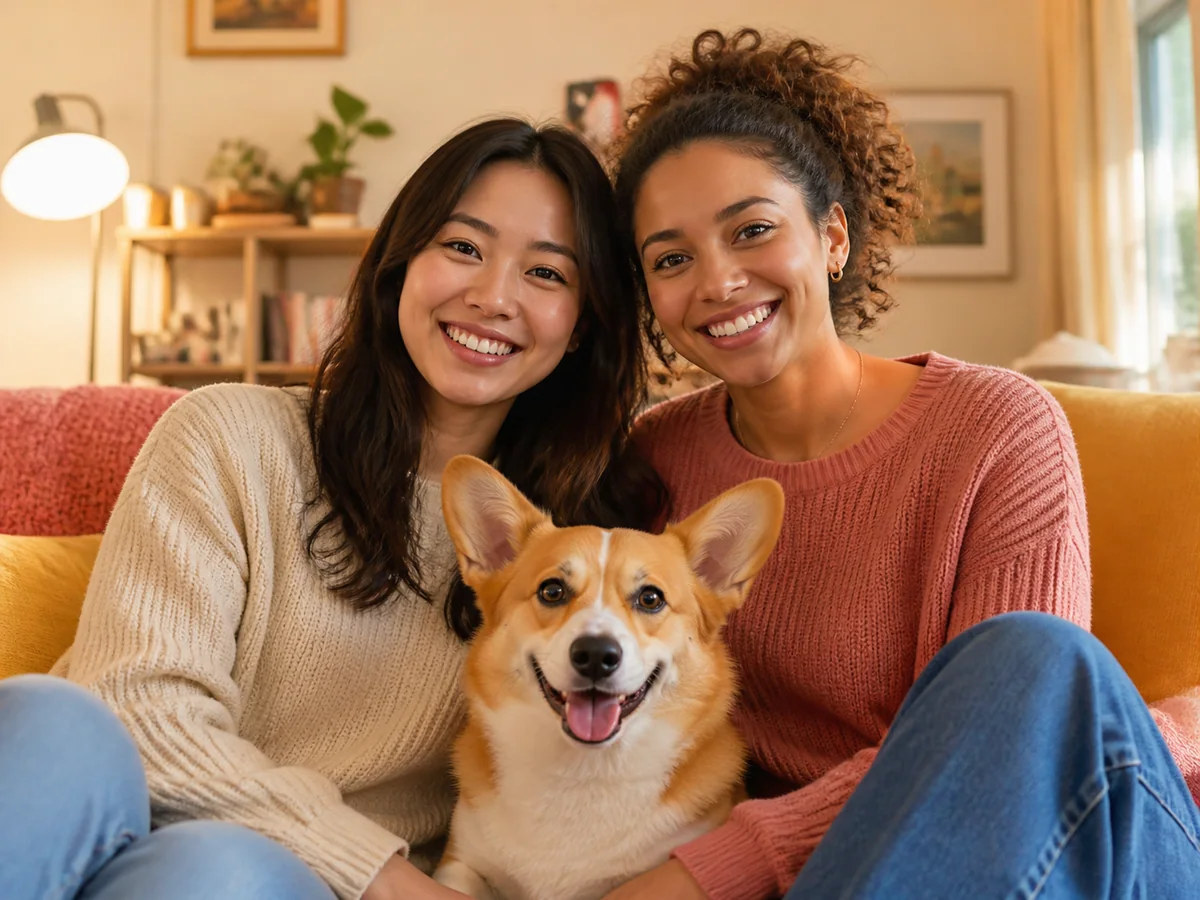
Pets, friends, and memorable moments
Reimagine pet portraits, group photos, and celebrations as personal anime artwork or digital gifts.
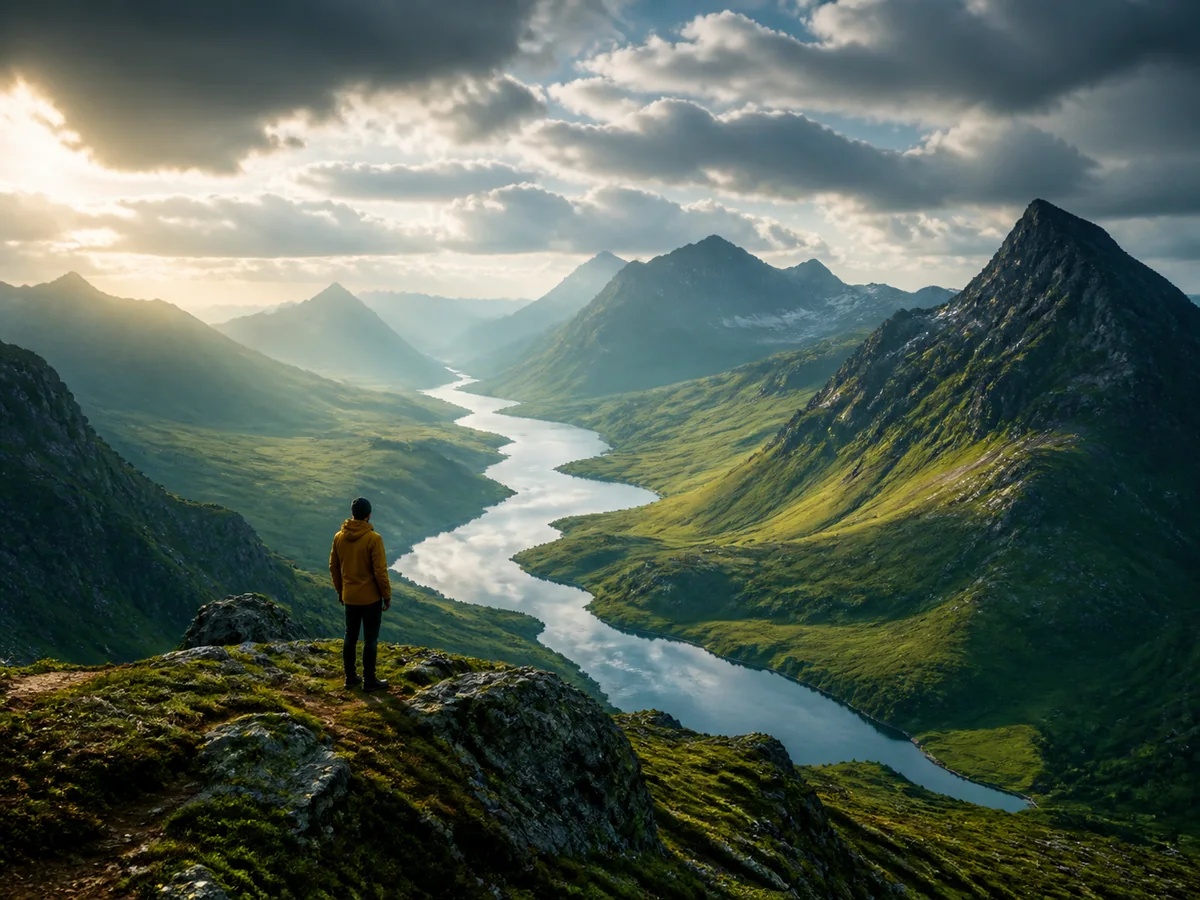
Creative scenes and character concepts
Explore anime versions of travel photos, cosplay references, landscapes, thumbnails, and story ideas.
A simpler approach
Create anime art without drawing every frame
Use a focused image-to-anime converter when manual illustration or a full editor would add unnecessary work.
Flexible pricing built around credits
Start with free credits, then choose the plan that matches your image-to-anime workload.
Free
Explore the workflow before moving to a paid plan.
Included
- 3 credits when you sign up
- Try the image-to-anime workflow
- Upload common web image formats
- Explore multiple anime styles
- Same Free benefits on both billing views
Create an account to claim 3 free credits once.
Pro
For individuals and small teams creating anime images regularly.
Included
- 200 credits per month
- Monthly billing at $15
- A predictable balance for anime conversions
- Built for ongoing creative work
- Standard support
A strong fit for consistent monthly usage.
Max
For high-volume users who need more room to create.
Included
- 300 credits per month
- Monthly billing at $30
- More room for parallel projects
- Lower effective cost per credit than Pro
- Priority support
Best for sustained high-volume usage.
Frequently asked questions about image to anime
What to expect when turning a photo into anime-style artwork.
How do I turn an image into anime?
Upload a photo, choose an anime style, add an optional creative direction, and convert it. This front-end phase uses a clearly labeled placeholder result until generation is connected.
What kinds of images work best?
Clear, well-lit portraits and photos with a visible subject usually provide the strongest starting point. Pets, groups, and landscapes can also be used.
Which image formats does the form accept?
The current front end accepts PNG, JPG, JPEG, and WebP images up to 10 MB.
Will the anime result still look like the original person?
Recognizable features are a core product goal. Exact likeness, hands, accessories, and complex backgrounds will depend on the generation model connected later.
Which anime styles can I choose?
The front end includes Classic Anime, Manga, Soft Anime, 3D Anime, Cyberpunk, and Shonen directions.
Can I add my own creative direction?
Yes. The optional instructions field is designed for concise notes about lighting, mood, color, or background details.
Does the current page upload my image?
Not yet. This front-end phase previews your selected file locally and displays a labeled Picsum placeholder without calling an upload or generation API.
Can I use the anime image commercially?
Commercial-use terms will be defined with the generation provider in the backend phase. Do not assume commercial rights from the front-end preview.
Ready to see your image as anime?
Upload a photo, choose a style, and explore a new anime interpretation.